
1
Go to ForOurSchool.org and click "Register for Free Account"

2
Fill in your information and click "Sign up"

3
Find the activation email and click "Activate Account"

4
Enter your login information and click "Sign in"

5
Click "Set-up Fundraiser"
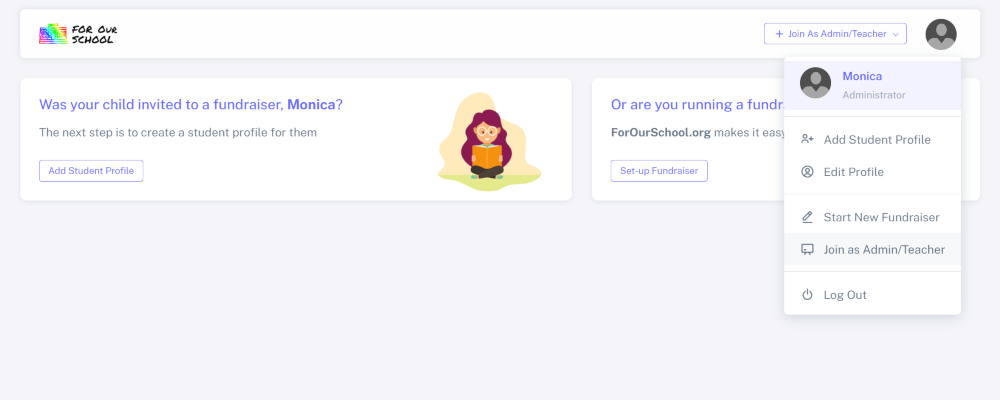
6
Enter information for your fundraiser
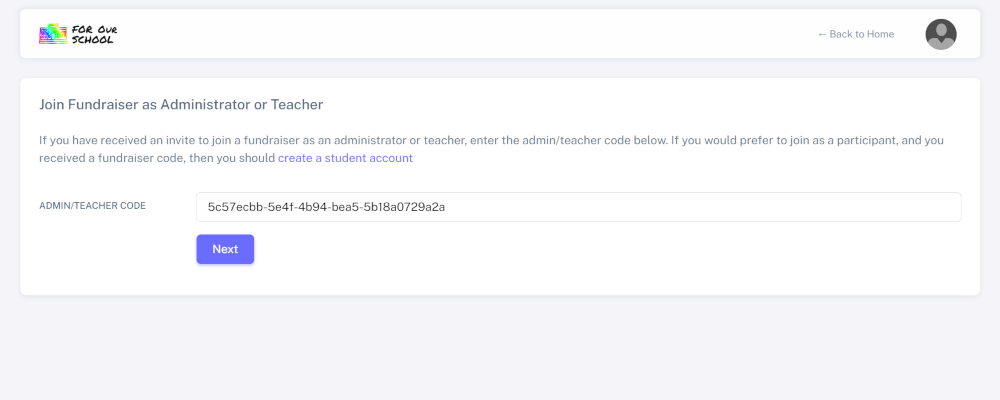
7
Click "Enter Payment Method"

8
Select which payment method is best for you

9
Click "Add Class"

10
Enter information for each of the classes in your school that will participate in the fundraiser

11
You can then begin the process of inviting students to set up accounts and join your fundraiser


